NEW GUIDE
Minecraft Pixel Art Generator: From Image to Build Plan
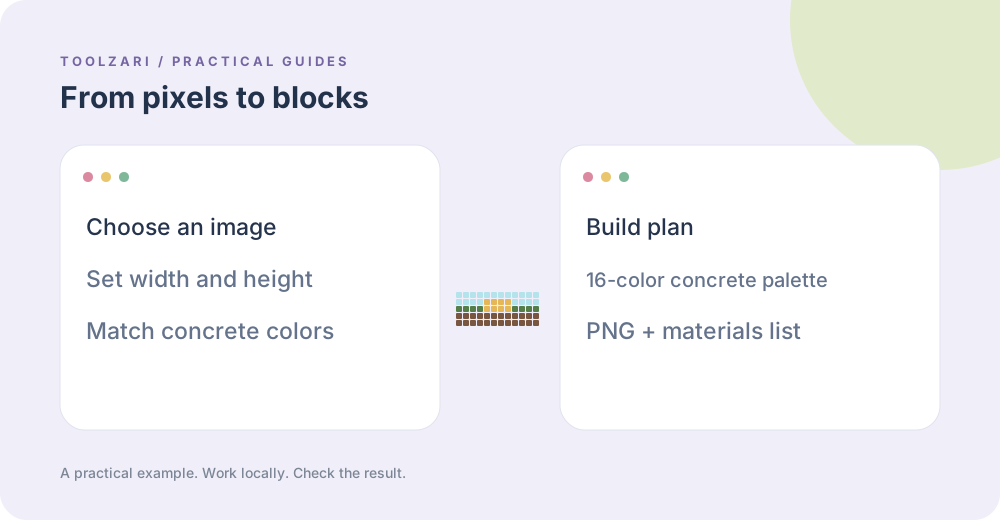
Turn an image into Minecraft pixel art, choose block dimensions, and read a concrete materials list.
Read guide →PRACTICAL GUIDES
Step-by-step workflows, checks and limitations for everyday data, links and images. All featured tools process input in your browser.
NEW GUIDE
Turn an image into Minecraft pixel art, choose block dimensions, and read a concrete materials list.
Read guide →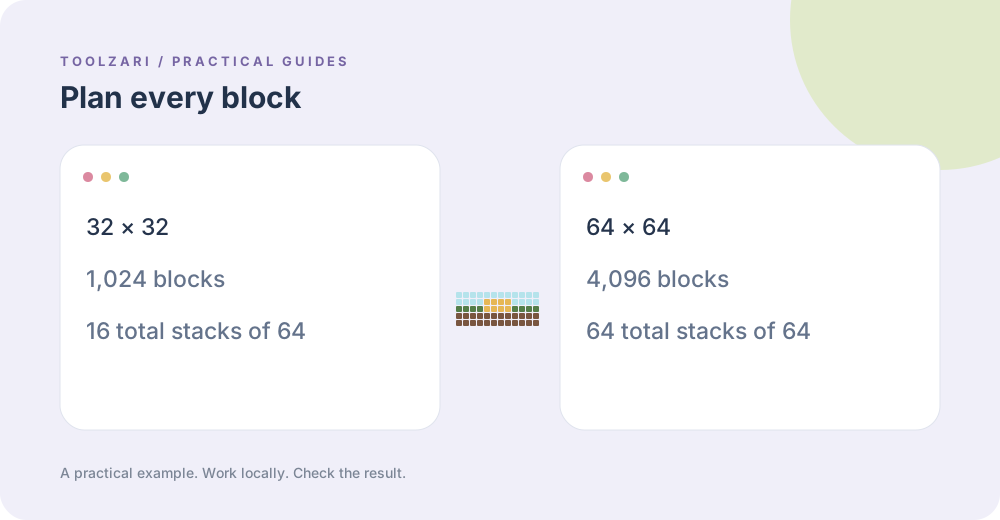
NEW GUIDE
Compare Minecraft pixel art dimensions and estimate block stacks before starting a build.
Read guide →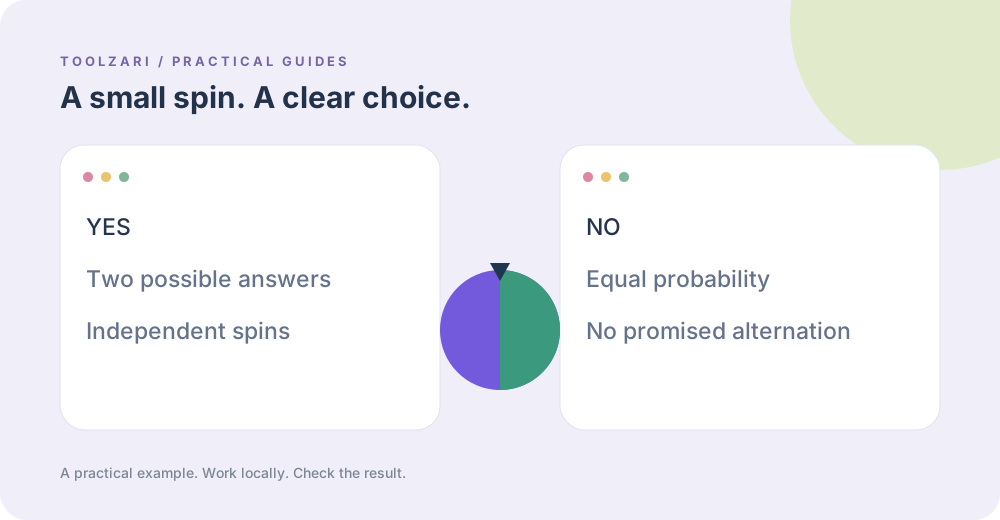
NEW GUIDE
Use a yes or no wheel for games and everyday choices, and understand what a random spin means.
Read guide →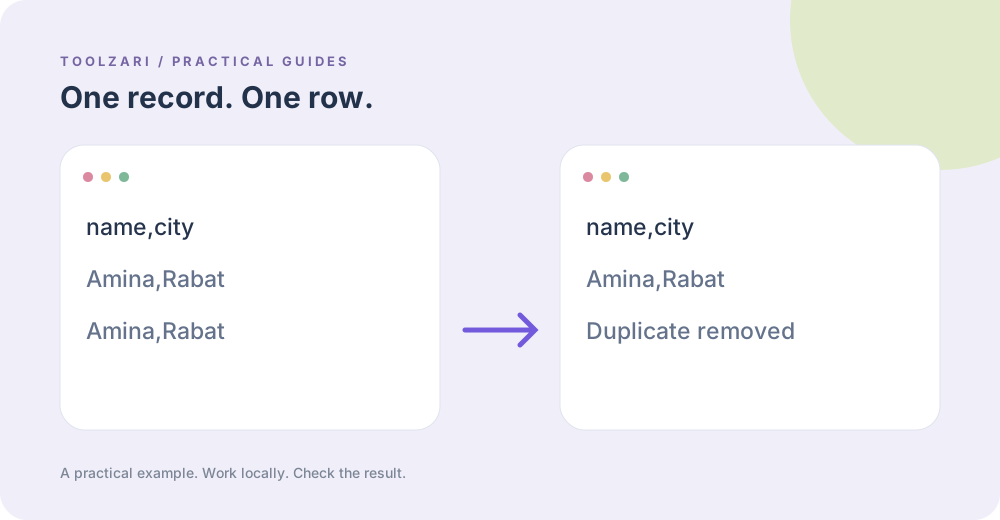
Developer Tools
A practical way to clean repeated spreadsheet exports without uploading the file.
Read guide →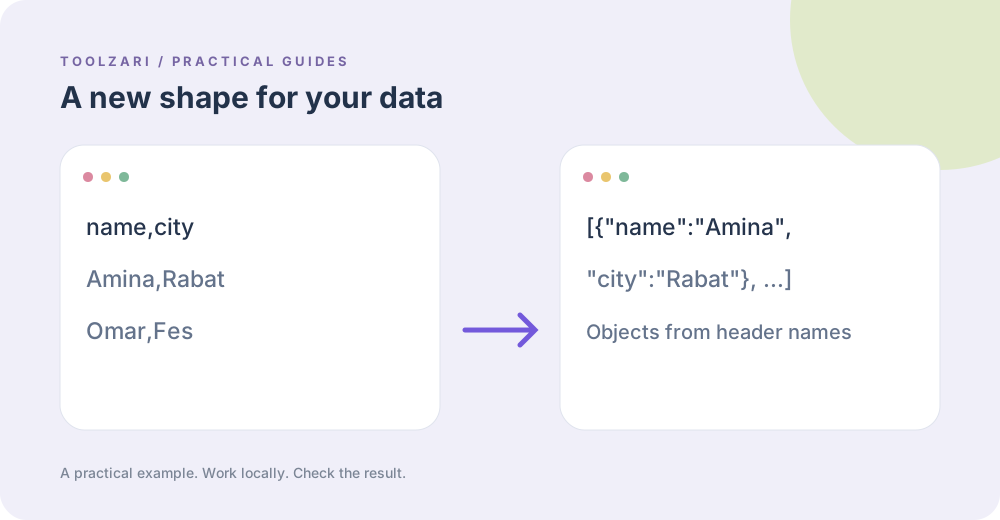
Developer Tools
Choose a structure and check headers, types, and escaping when converting files.
Read guide →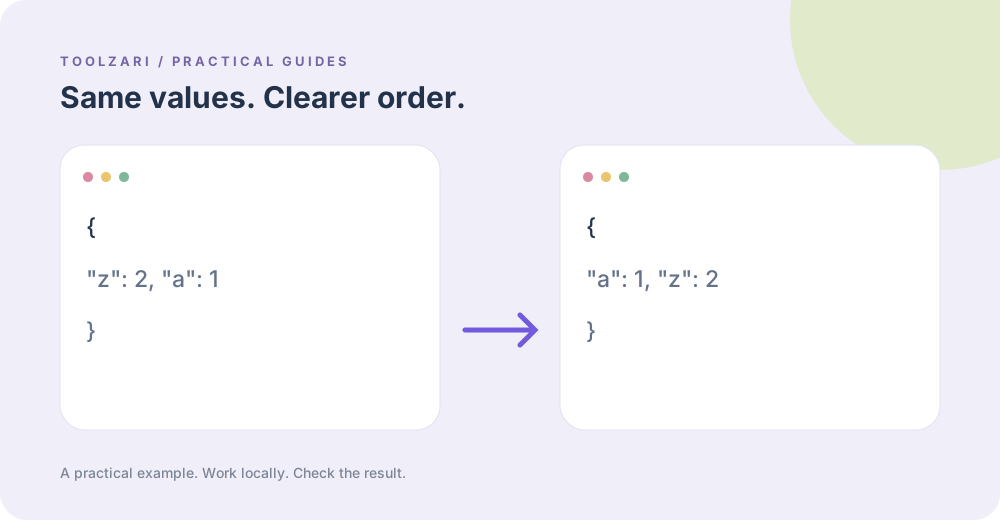
Developer Tools
Create stable object-key order while preserving array order and values.
Read guide →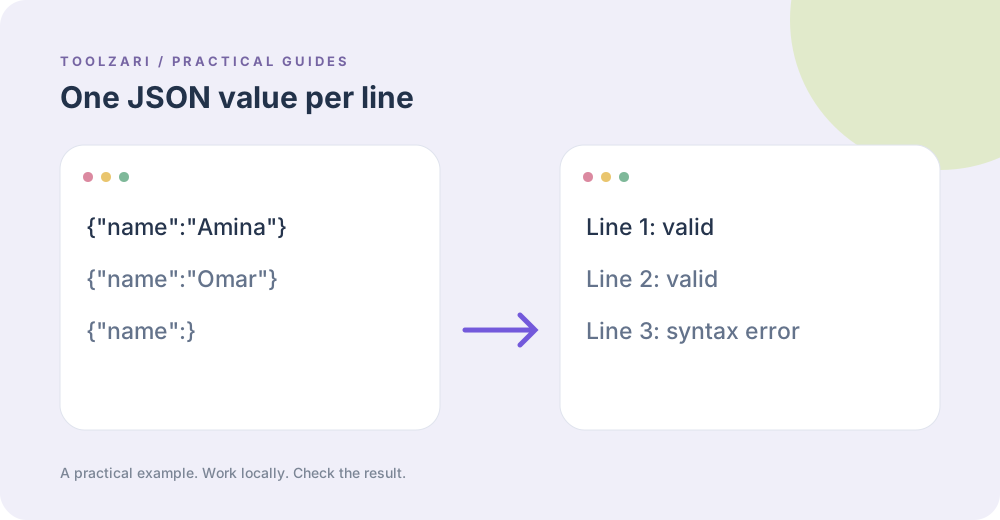
Developer Tools
Find invalid records without sending log exports to a remote validator.
Read guide →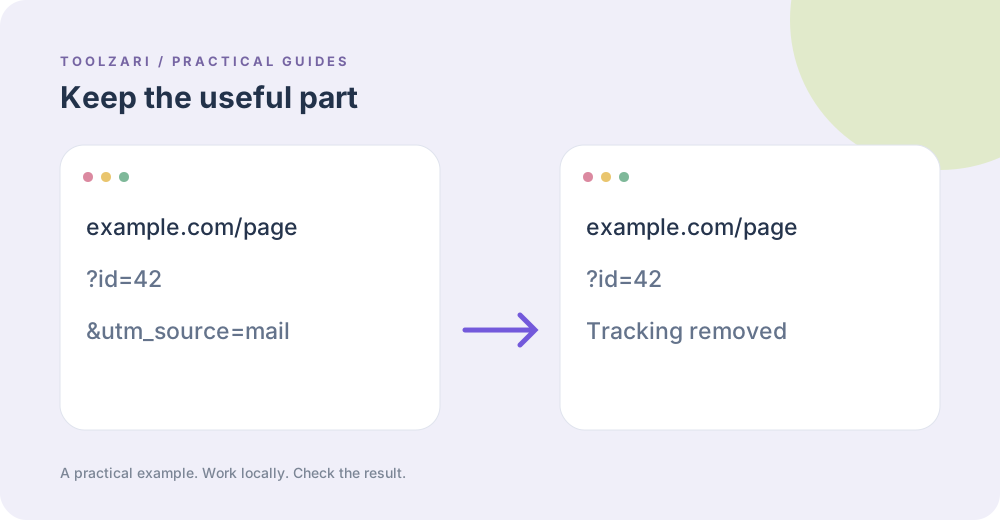
Developer Tools
Remove campaign identifiers while keeping page paths, fragments, and useful query settings.
Read guide →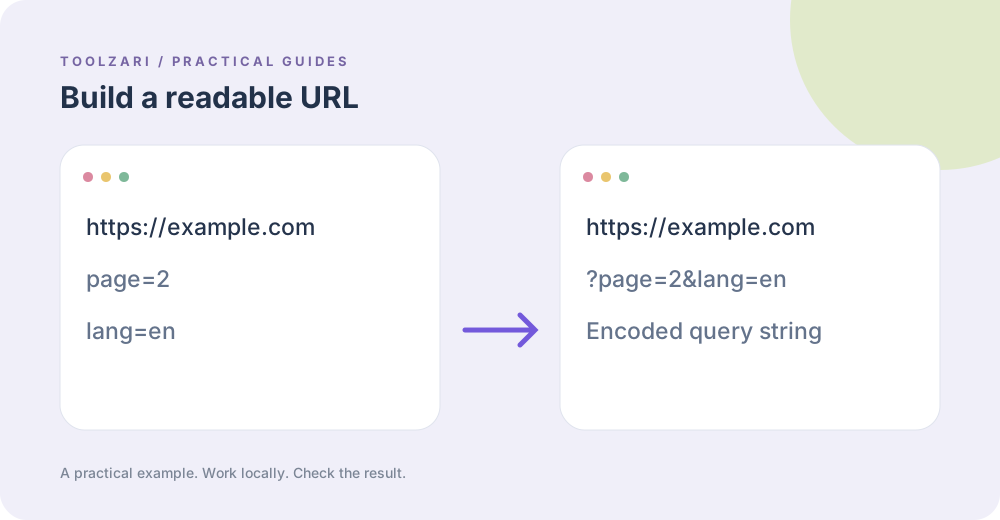
Developer Tools
Avoid manual spaces and ampersand mistakes when constructing links.
Read guide →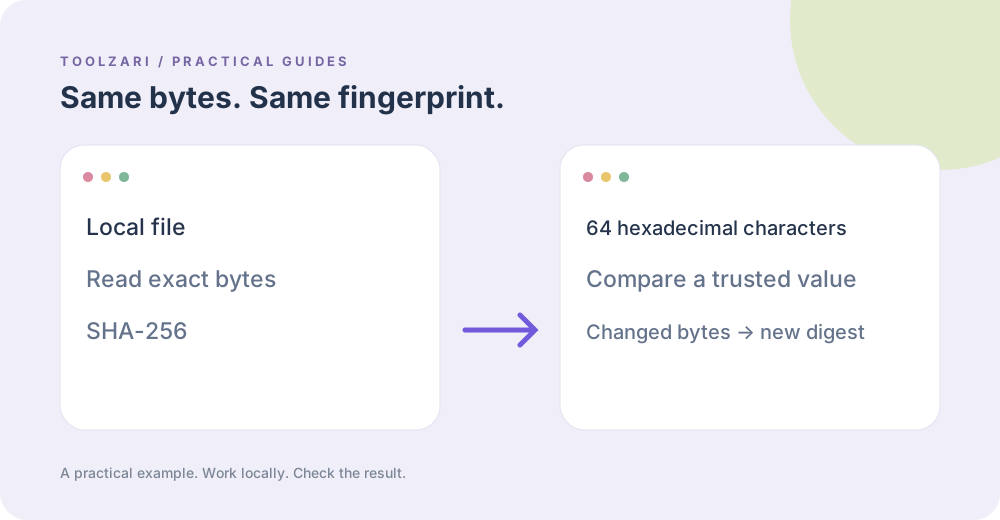
Developer Tools
Use a cryptographic digest to spot changed files, with clear limits on what it proves.
Read guide →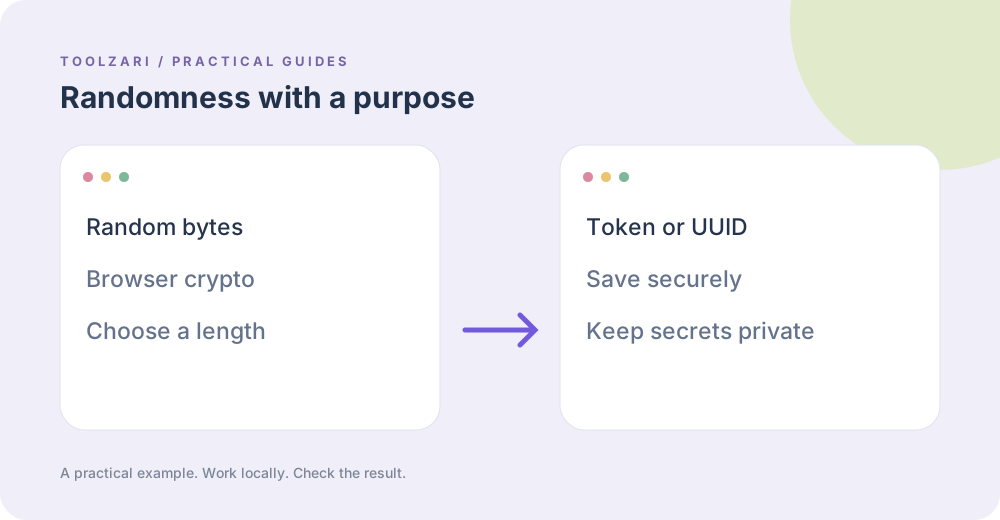
Developer Tools
Choose between an unpredictable secret and a unique public identifier.
Read guide →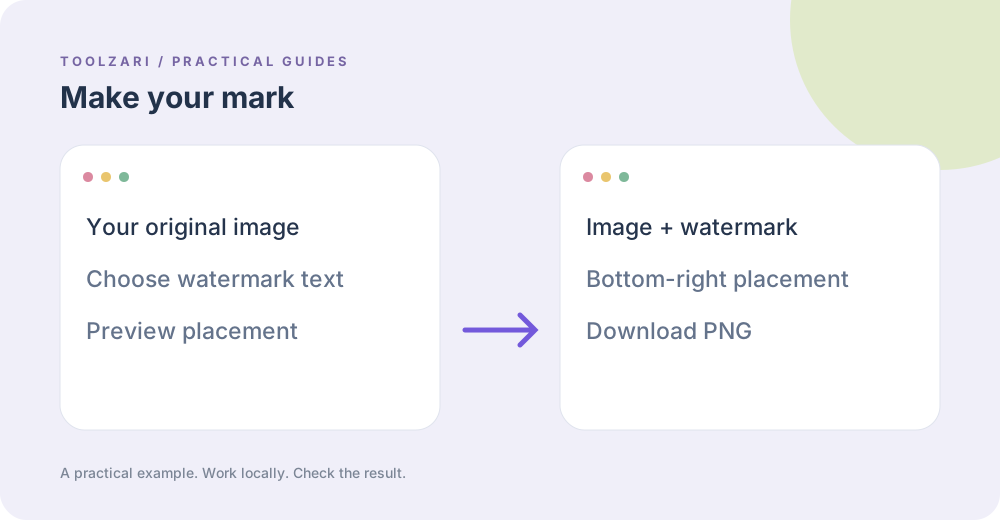
Design & Visual
Create a labeled PNG while keeping the original image on your device.
Read guide →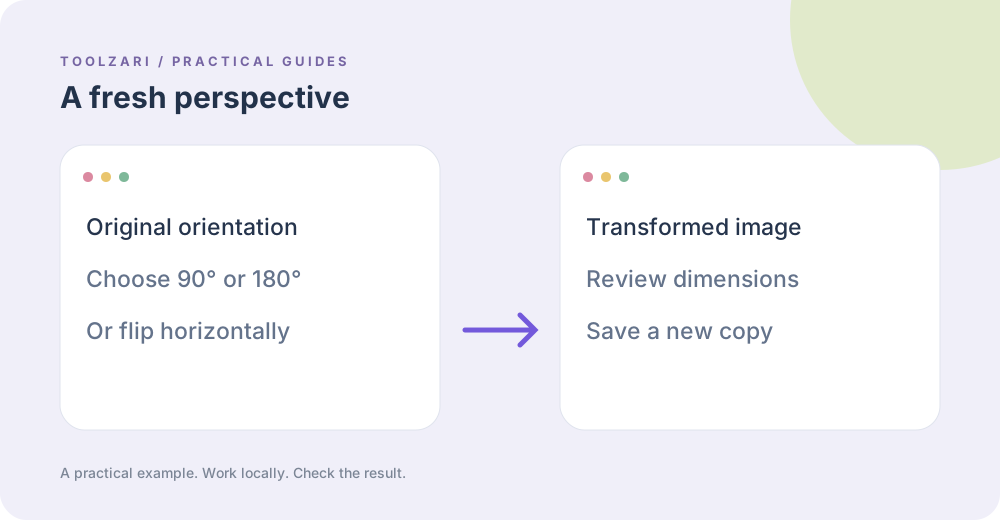
Design & Visual
Use simple Canvas edits for local images and export PNG copies.
Read guide →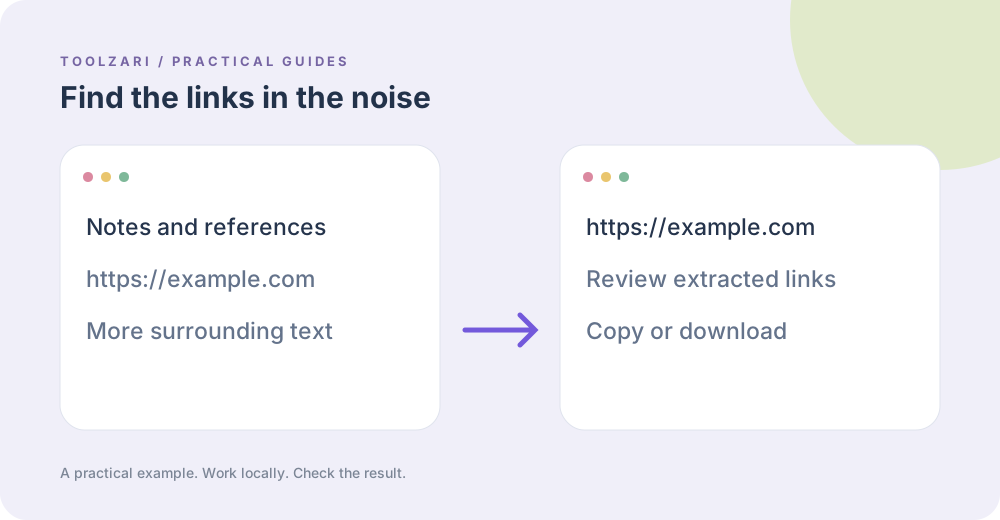
Text Tools
Pull addresses from pasted notes while checking false positives.
Read guide →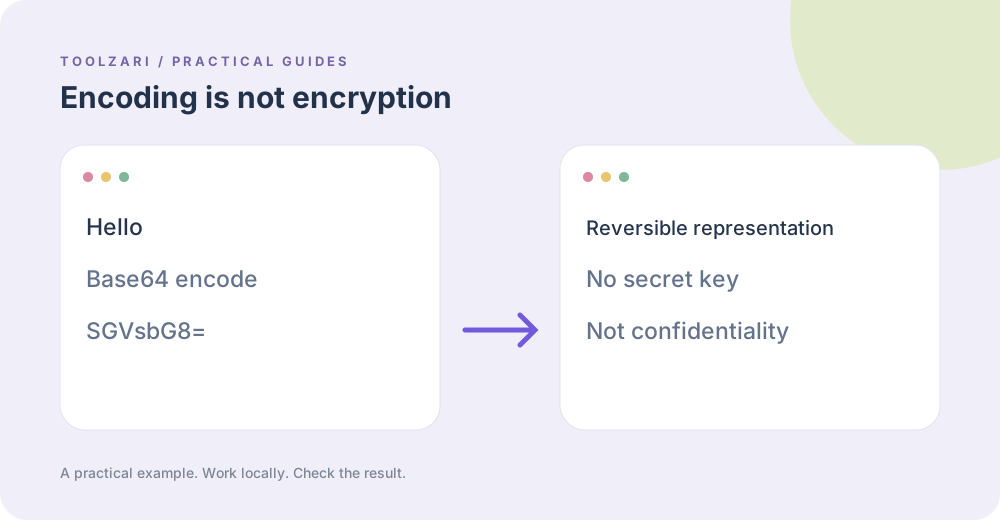
Developer Tools
Learn why readable data encoding, hashing, and encryption solve different problems.
Read guide →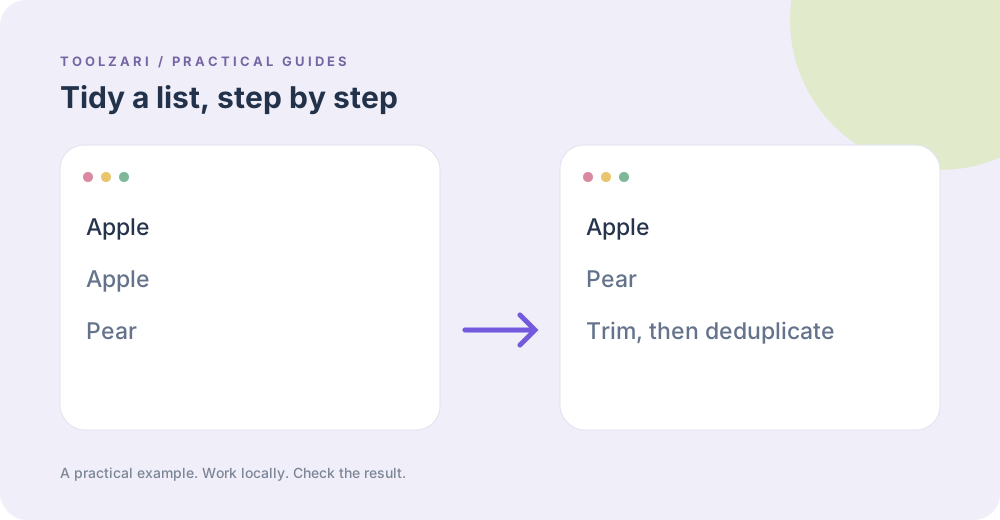
Text Tools
Clean a pasted list in a repeatable order without uploading it.
Read guide →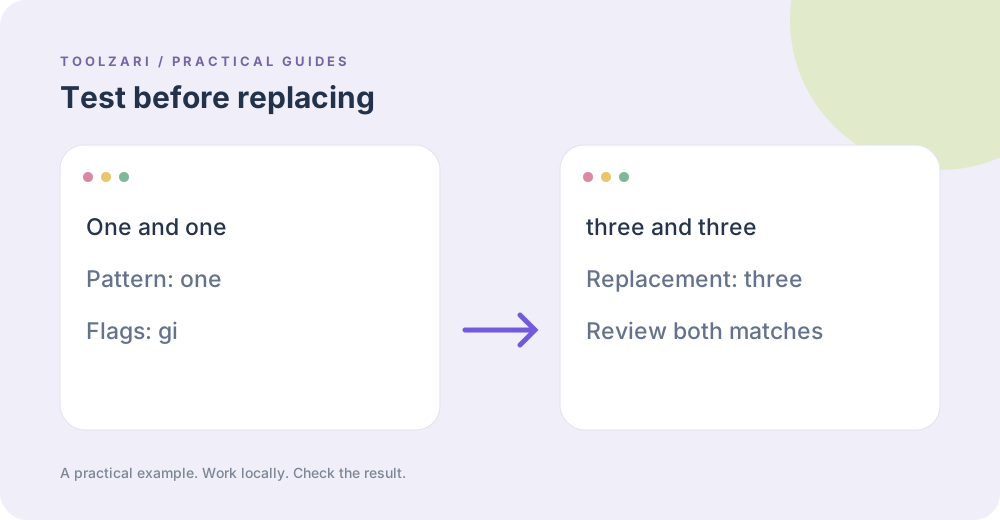
Developer Tools
See matches first, then replace a copy of your text and inspect edge cases.
Read guide →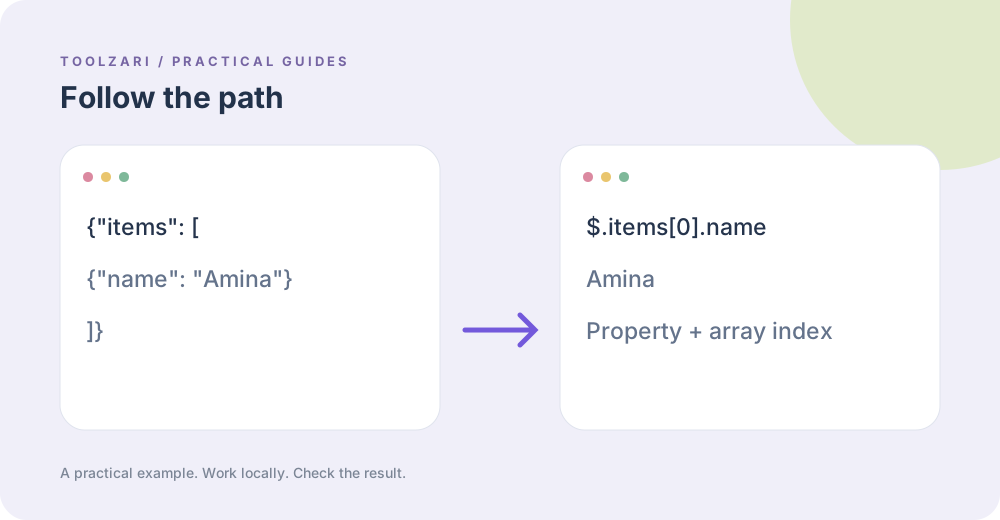
Developer Tools
Use simple property and array index paths; recognize features that this tester does not implement.
Read guide →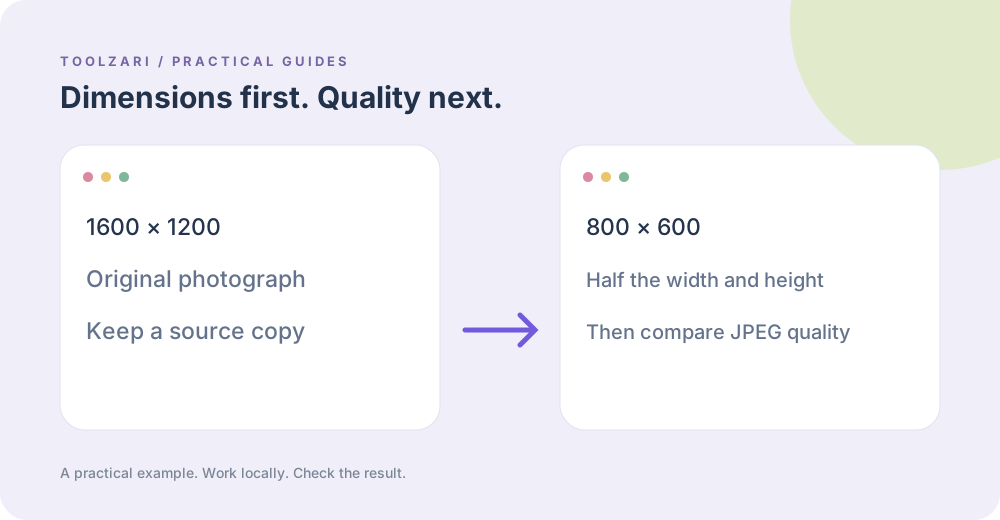
Design & Visual
Compare dimensions, JPEG quality, and output format for browser-based image exports.
Read guide →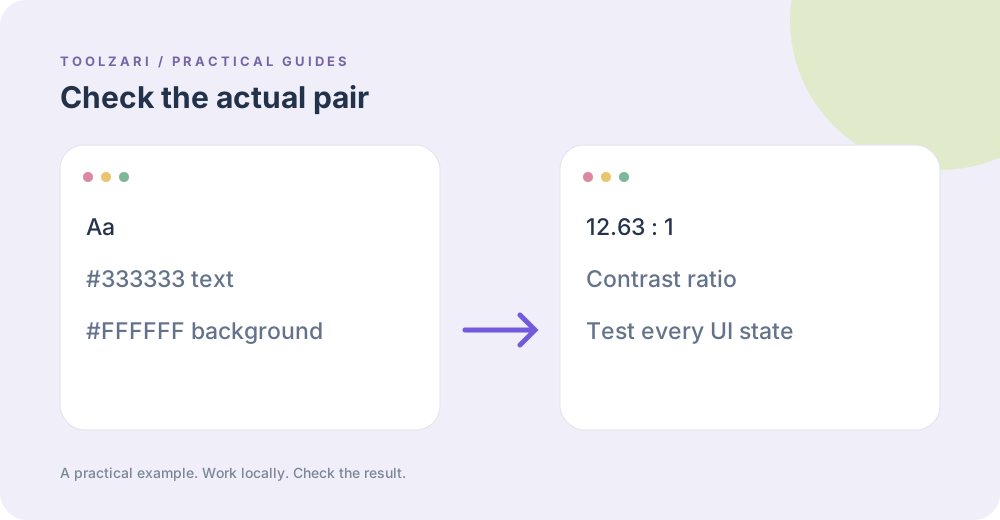
Color Tools
Read contrast ratios in context and keep human review in the accessibility workflow.
Read guide →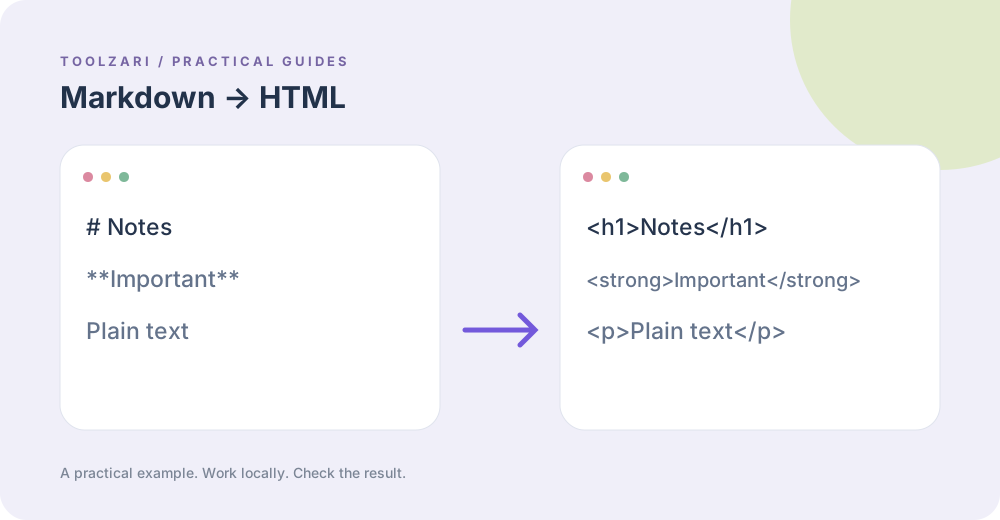
Developer Tools
Understand the subset converter and inspect HTML before publishing it.
Read guide →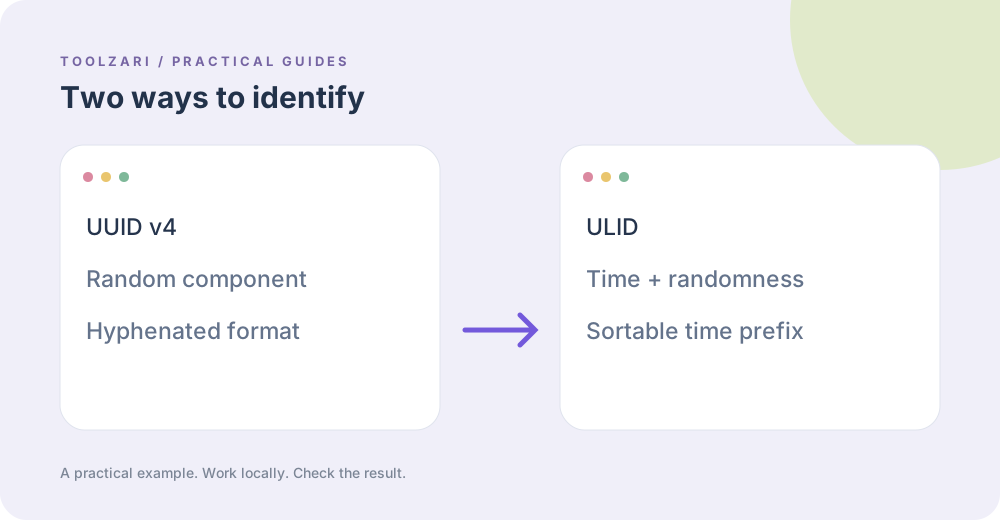
Developer Tools
Compare random UUIDs and time-sortable ULIDs without treating either as a secret.
Read guide →