Begin with the actual job
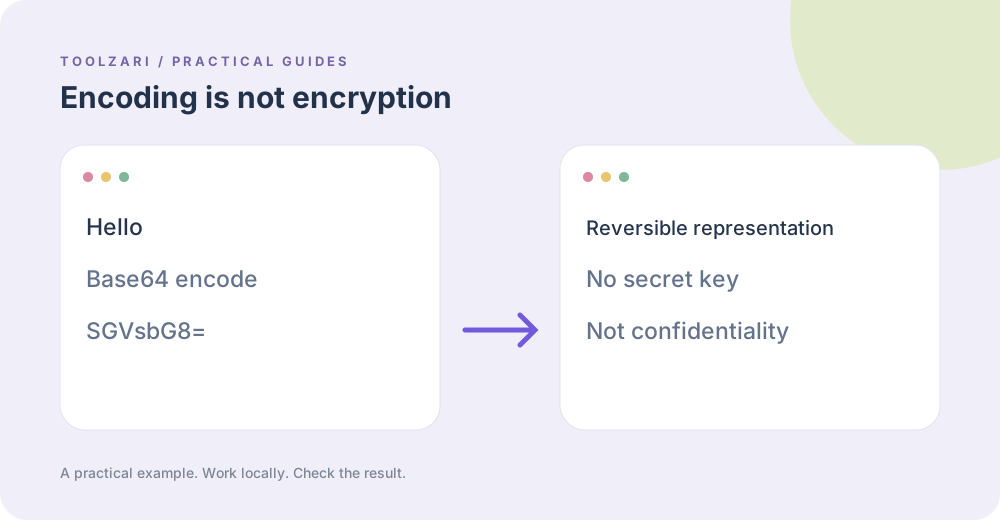
Base64 is a reversible representation of bytes as text. It helps place binary content in a text field, but anybody with the string can decode it. Encryption aims to keep the contents secret from someone without a key. A cryptographic hash creates a fingerprint; you cannot use a hash to recover the input. Pick the operation based on whether you need transport, confidentiality, or comparison.
Try a small Base64 example
Paste Hello into Base64 Encode/Decode and encode it. The familiar result is SGVsbG8=. Switch to decode to recover Hello. This proves the round trip, not security. Text with non-ASCII characters uses UTF-8 bytes, so the encoded value can be longer than you expect. Keep input and output as separate copies when testing a real data field.
Use encryption with care
The Text Encryptor is for short text and a password, and its local implementation uses authenticated encryption. Losing the password means losing access to the message. Check that a modified ciphertext or a wrong password fails to decrypt before treating it as a protective workflow. Do not substitute the String Obfuscator or Caesar Cipher for encryption.
Know when a hash helps
Hash Generator computes a digest of pasted text. Changing a newline changes the bytes being hashed. For an actual downloadable file, File SHA-256 Checksum is a better fit because it reads the file itself. A matching digest confirms matching bytes against a trusted reference; it does not authenticate an unknown publisher.
Protect the output
Avoid pasting passwords, private tokens, or customer data into shared screenshots. The tools operate in the current tab and do not create backups. For production security, review the algorithm, key handling and target browser rather than trusting a label alone.
Reference
OWASP: Base64 is not encryption. The reference is optional and opens an external site.
Tools used in this guide
- Base64 Encode/Decode — Encode text to Base64 and decode Base64 back to plain text.
- Text Encryptor / Decryptor — Encode and decode text using classic ciphers — Vigenère, ROT13, and Atbash. Runs entirely in your browser with no data sent to a server. Swap input and output in one click.
- Hash Generator (SHA) — Generate SHA hashes (SHA-1, SHA-256, SHA-384, SHA-512) from text.
- File SHA-256 Checksum — Calculate a local file SHA-256 checksum.