What a hash tells you
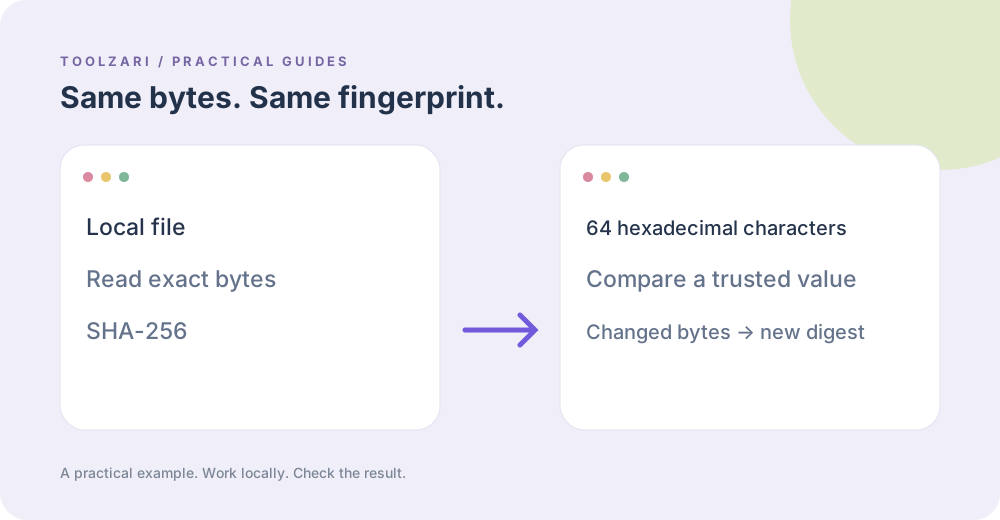
SHA-256 maps the contents of a file to a fixed hexadecimal digest. If a downloaded file has the same digest as a trusted digest from the publisher, the bytes match with extremely high confidence. A hash by itself does not tell you who published the file or whether it is safe to run.
Check a local file
Choose a file in File SHA-256 Checksum. The browser reads up to 32 MB into memory and computes the digest with Web Crypto. Copy the 64-character result and compare it carefully with a value obtained through a trustworthy channel. The file is not uploaded to the local server.
Common mistakes
Hashing a compressed archive and hashing the extracted folder are different operations. Changing even one byte changes the digest. Ensure the official checksum uses SHA-256, not MD5 or SHA-1, and verify the exact filename/version.
Related security tools
Secure Token Generator creates random secrets; it is not a checksum. Hash Generator works on text, where encoding and newline differences matter. Keep the distinction clear.
A small worked example
The three-byte text file containing exactly abc has SHA-256 ba7816bf8f01cfea414140de5dae2223b00361a396177a9cb410ff61f20015ad. A newline after the c produces a different result. You can use this tiny fixture to check the tool, then compare a real download against a checksum published by its developer through a trusted channel.
Reference
MDN: SubtleCrypto.digest. The reference is optional and opens an external site.
Tools used in this guide
- File SHA-256 Checksum — Calculate a local file SHA-256 checksum.
- Hash Generator (SHA) — Generate SHA hashes (SHA-1, SHA-256, SHA-384, SHA-512) from text.
- Secure Token Generator — Generate cryptographically random hexadecimal tokens.