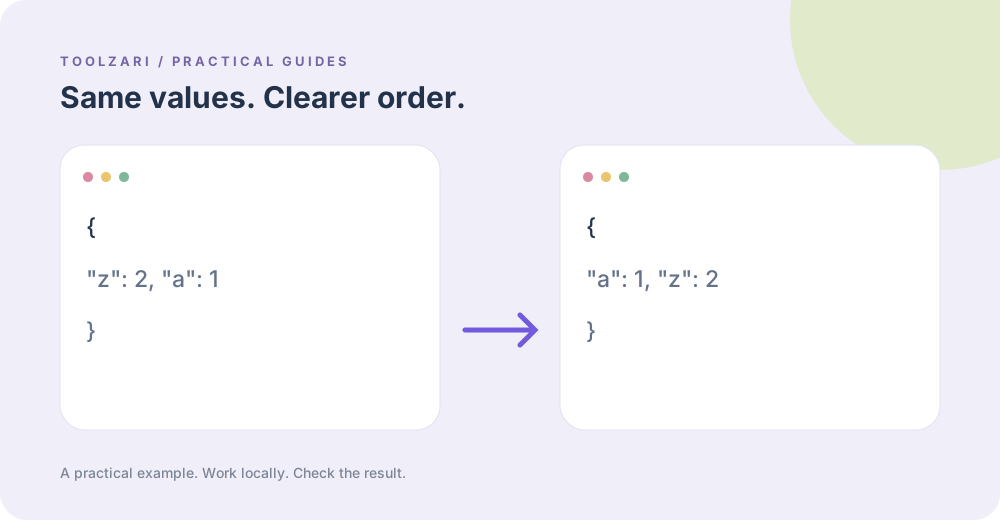
Why key order changes
Two JSON files can hold equivalent object data with keys in a different order, making line-by-line review noisy. Alphabetically sorting keys recursively gives a predictable representation for human inspection. It does not change the meaning of a JSON object, though formatting and byte-for-byte signatures do change.
Run the sorter
Paste valid JSON into JSON Key Sorter. It parses the value, recursively sorts object properties, and prints indented JSON. Arrays retain their original element order. Empty objects, null, numbers, and strings stay values of the same type.
Compare carefully
Use JSON Diff when you need to compare two versions after sorting. Avoid treating formatted output as an unchanged original for signed payloads or systems that rely on exact bytes. If parsing fails, fix the syntax with JSON Formatter & Validator first.
Flatten only when needed
A flat path map is useful for inspecting deeply nested values, but it is a different representation. JSON Flattener emits quoted bracket paths so keys containing periods remain identifiable. It does not automatically reconstruct the original tree.
A small worked example
Input {"z":2,"a":{"y":1,"b":3}} produces an object with a before z and nested b before y. If the input has an array, its elements stay in place. A sorted copy is handy for code review, but don’t replace signed JSON payloads or assume property order conveys business priority.
Tools used in this guide
- JSON Key Sorter — Sort object keys recursively in JSON.
- JSON Diff — Compare two JSON objects and visually highlight the differences — added, removed, and changed keys.
- JSON Flattener — Flatten JSON paths to a single object.
- JSON Formatter & Validator — Validate, format, and minify JSON directly in your browser.