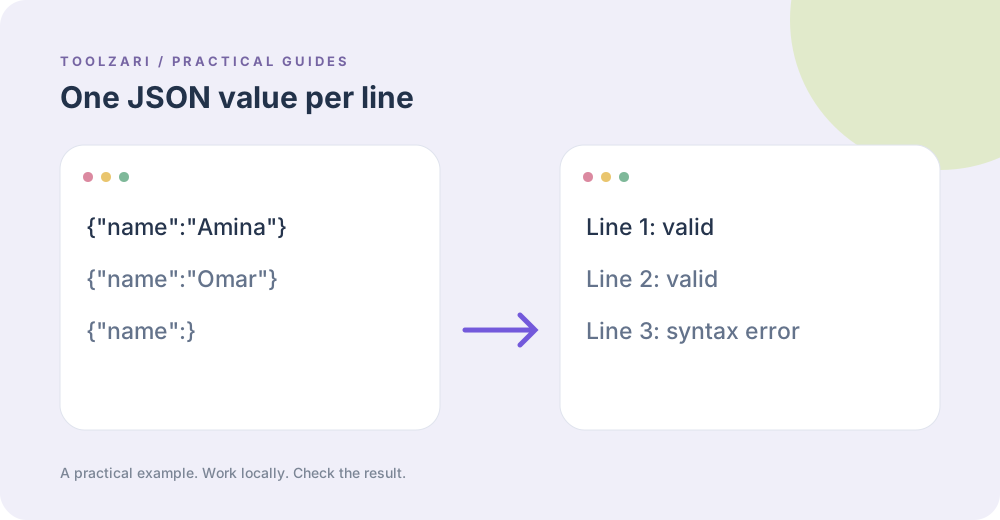
One value per line
JSON Lines is commonly used for streams and logs: each nonempty line contains one complete JSON value. A file containing a single pretty-printed object over several lines is regular JSON, not JSON Lines. Choose the right format before troubleshooting errors.
Check a sample
Paste the lines into JSON Lines Validator. The result reports how many nonempty lines failed and gives their physical line numbers, even when blank lines occur between records. It checks JSON syntax, not whether required fields exist or whether the records agree on a schema.
Fix the failing lines
Inspect a reported line for trailing commas, unquoted keys, missing closing brackets, or log prefixes. For a single record, JSON Formatter & Validator can make the structure easier to inspect. Rerun the validator after edits; a valid count alone does not establish that your downstream application will accept the data.
Size and privacy
Use a small excerpt for very large exports. Processing occurs in browser memory; clear the input or close the tab when you finish with sensitive data.
A small worked example
Suppose line 1 is {"id":1}, line 2 is blank, and line 3 is {id:2}. The validator reports physical line 3 as invalid because JSON keys need quotation marks. After changing it to {"id":2}, both nonempty lines parse. A valid parser result does not prove both records have the fields your import needs.
Tools used in this guide
- JSON Lines Validator — Validate newline-delimited JSON and report errors.
- JSON Formatter & Validator — Validate, format, and minify JSON directly in your browser.
- JSON Key Sorter — Sort object keys recursively in JSON.