Start with valid JSON
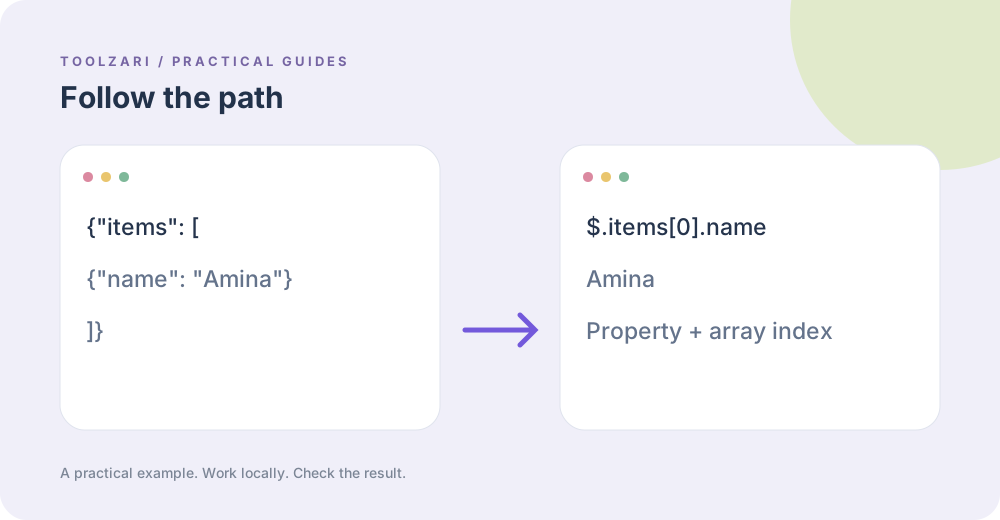
A JSONPath expression chooses a value in a JSON document. Paste a path on the first line of JSONPath Tester and the JSON document below it. For example, with {"items":[{"name":"Amina"}]}, the path $.items[0].name selects Amina. A missing property returns a no-match result; invalid JSON raises a parse error.
Stay within the supported subset
This edition accepts a root dollar sign, dot properties with ordinary identifier names, and numeric indexes in square brackets. The implementation deliberately rejects wildcards, slices, filter predicates, quoted property names and recursive descent. Those are common in larger JSONPath specifications but are not implemented here. If you need them, choose a full standards-based library and test its particular dialect.
Troubleshoot step by step
First check the JSON with JSON Formatter & Validator. Then evaluate $, $.items and $.items[0] in turn to see where the path stops matching. Indexes start at zero. If a key contains spaces or a hyphen, the dot-property subset cannot select it in this tool.
Explore another representation
JSON Flattener can turn a nested document into quoted bracket path keys for inspection. Its output is a map for reading, not a drop-in replacement for JSONPath expressions. JSON Key Sorter can make review diffs easier without rearranging array elements.
Keep private records private
Customer exports and logs can contain sensitive values. The local editor processes pasted data in the current browser tab; clear it when done. Do not paste secrets into issue trackers while requesting help with a failing path.
Tools used in this guide
- JSONPath Tester — Query JSON with simple property and numeric array-index paths.
- JSON Formatter & Validator — Validate, format, and minify JSON directly in your browser.
- JSON Flattener — Flatten JSON paths to a single object.
- JSON Key Sorter — Sort object keys recursively in JSON.