Start with a complete address
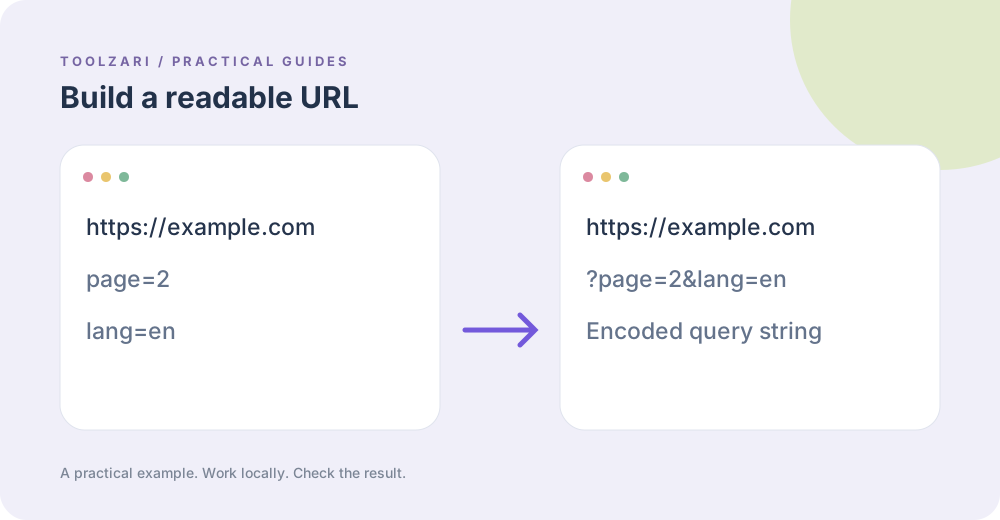
A query string begins after the question mark. Each key and value has to be encoded so spaces, ampersands and punctuation remain data rather than delimiters. URL Query Builder accepts an HTTP or HTTPS base URL and one key=value pair per line.
Try a concrete example
Enter https://example.com/search as the base URL and q=blue shoes plus page=2 on separate lines. The browser URL API encodes the value into a usable link. Existing parameters stay in place unless a new line sets a key with the same name.
Review what you share
The output is a URL, not a request. Test it on the intended site. Do not put passwords or other secrets in a URL: browser history, logs and sharing can expose them. Remove unwanted marketing parameters with URL Tracking Cleaner.
Choosing a campaign tool
If you are intentionally tagging campaign traffic, use UTM Builder and check its labels. The generic query builder does not validate a marketing convention or a target site’s accepted parameter names.
A small worked example
Begin with https://example.com/search, then enter q=blue shoes and page=2 on separate lines. The output encodes the space as part of the query value and joins the parameters correctly. If the base URL already contains page=1, adding page=2 changes that key instead of appending another duplicate.
Tools used in this guide
- URL Query Builder — Add key=value query parameters to a URL.
- URL Tracking Cleaner — Remove common campaign tracking parameters from a URL.
- UTM Builder — Build campaign URLs with UTM parameters for analytics tracking.