Use a focused extractor
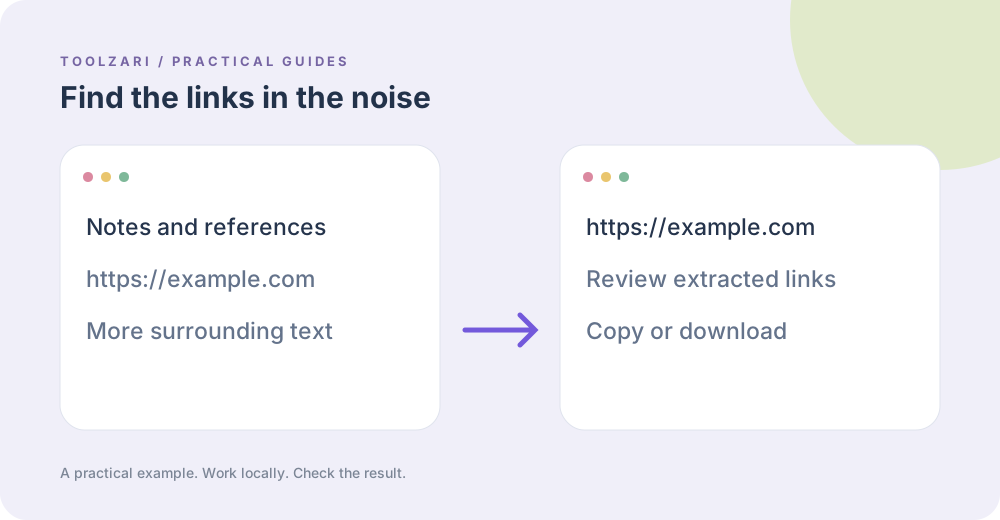
Email Extractor returns distinct email-like strings found in pasted text. URL Extractor returns distinct HTTP and HTTPS links and removes common sentence punctuation at the end. These are convenience patterns, not full validators of every possible address or URL.
Review before use
An email-like string may be outdated or mistyped, and a URL may contain punctuation that really belongs in the address. Inspect the source context and test important links. Never use extraction results as proof of consent to contact someone.
Clean related data
Remove Duplicate Lines can deduplicate any pasted list exactly, preserving the first occurrence. URL Tracking Cleaner can remove recognized campaign identifiers from an extracted link.
Privacy
Text stays in the tab during extraction. Clear the fields when finished with private notes. The local server does not accept uploads.
A small worked example
Paste “Email Amina@example.com. Read https://example.com/guide.” The email extractor returns the address once, while the URL extractor returns the link without the sentence-ending period. If you paste the same address with different letter case, check whether the results should be treated as the same mailbox; the tool only removes exact duplicate strings.
Tools used in this guide
- Email Extractor — Extract unique email-like strings from text.
- URL Extractor — Extract distinct HTTP and HTTPS links from text.
- Remove Duplicate Lines — Keep the first occurrence of every exact line.
- URL Tracking Cleaner — Remove common campaign tracking parameters from a URL.