Make a copy first
A list copied from an email or spreadsheet may contain blank rows, leading spaces, repeated values and mixed line endings. Preserve the original before cleaning: two lines that look similar can represent different IDs, and a normalizer may erase distinctions that matter.
Pick the right operation
Remove Empty Lines deletes lines consisting only of whitespace. Whitespace Cleaner trims both ends of each line and collapses runs of spaces or tabs inside a line to one space. Remove Duplicate Lines keeps the first exact occurrence and its original order. Each tool returns text that you can paste into the next one.
Test the order of steps
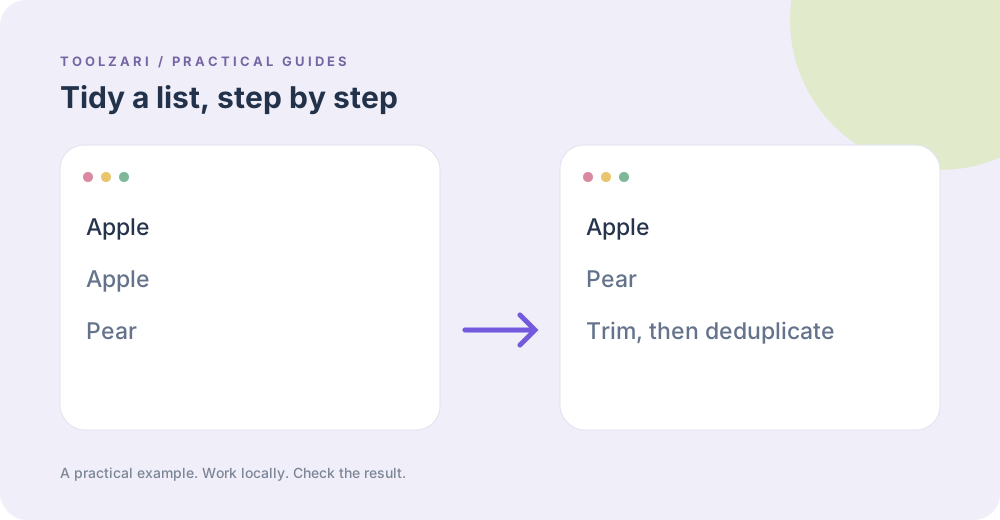
Suppose the list has Apple, a line containing two spaces plus Apple, and Apple again. Deduplicating first retains the spaced version because it is not an exact match. If your goal is one item regardless of stray spaces, clean whitespace first, then remove duplicates. If case should not matter, this tool does not apply case-insensitive deduplication; inspect the result manually.
Change a known term
Find and Replace Text takes the source list in the main input and a search term on the first line of its second field; the replacement is on the next line. It replaces literal, case-sensitive text. For patterns such as a series of digits, use Regex Replace carefully and test on a sample.
Review the final list
Count the rows and inspect a few known exceptions before using it for a mailing list, inventory, or import. Removing blanks and duplicates is a formatting action, not permission to contact people or a guarantee that every entry is valid.
Tools used in this guide
- Remove Empty Lines — Delete blank or whitespace-only lines.
- Whitespace Cleaner — Trim lines and collapse runs of spaces and tabs.
- Remove Duplicate Lines — Keep the first occurrence of every exact line.
- Find and Replace Text — Replace literal text throughout an input.