Know what to remove
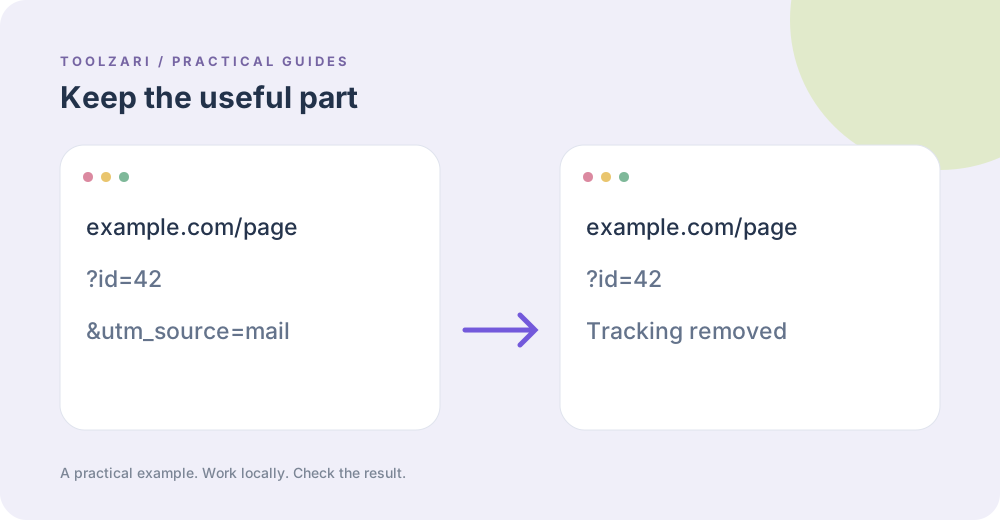
A copied link may contain utm_source, utm_medium, fbclid, or gclid. Those parameters often describe the referral rather than the page content. Other parameters such as search terms, page numbers, product variants, or language choices can change what the visitor sees; keep them unless you understand the destination.
Clean the link
Paste an HTTP or HTTPS URL into URL Tracking Cleaner. It removes common marketing keys, preserves the other query parameters and fragment, then displays the resulting URL. Review the result before sharing it because individual websites may use custom parameters that this tool does not recognize.
Build a new query
URL Query Builder accepts a base URL and separate key=value lines. It encodes values safely and replaces keys with the same name. For campaign links you intentionally want to measure, use the dedicated UTM Builder instead of cleaning them away.
Test the destination
Open both the original and cleaned link in a browser and confirm that the same resource appears. This local tool edits a string; it does not visit the website or verify that the link resolves.
A small worked example
For https://example.com/item?utm_source=mail&variant=blue&fbclid=abc, the cleaner keeps variant=blue and removes the two known tracking keys. It also keeps a fragment such as #reviews. If the site actually uses one of those keys to control content, opening the cleaned link will reveal the difference; verify important destinations before sharing.
Tools used in this guide
- URL Tracking Cleaner — Remove common campaign tracking parameters from a URL.
- URL Query Builder — Add key=value query parameters to a URL.
- UTM Builder — Build campaign URLs with UTM parameters for analytics tracking.
- URL Parser — Break any URL into its components — protocol, hostname, port, pathname, query parameters, and fragment hash. Copy any part instantly.