Begin with the available wall
Measure your building area in blocks. A 64-block-wide plan cannot fit a wall that is 48 blocks wide without resizing or changing the design. Leave room for a border, and decide whether you will view the artwork from nearby or across a large space. The preview represents the front of a flat wall, not a map-art color simulation.
Understand the cost of doubling size
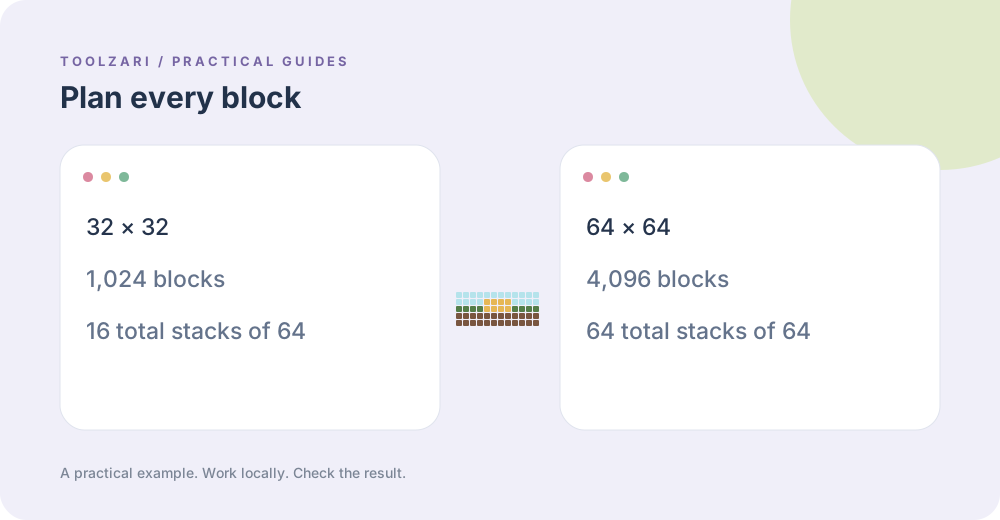
Doubling both dimensions multiplies the number of blocks by four. A 16 × 16 sketch uses 256 blocks, 32 × 32 uses 1,024, and 64 × 64 uses 4,096. These totals include the background. Start small while deciding whether the image is recognizable, then increase resolution only when the additional detail is worth the construction time.
Preserve the image proportions
For a source width W and height H, choose a target width w and estimate the target height as w × H ÷ W. Round to a whole block and keep each dimension within 8–128 for this tool. A 1200 × 800 source can become 48 × 32 blocks. Crop first if the important subject occupies only a corner of the original.
Choose a palette you can obtain
ToolZari currently matches to 16 concrete colors. It does not automatically replace scarce materials with wool or terracotta. Treat every block name in the materials list as a specific material choice, and test a small sample in your world before gathering thousands of blocks. Similar RGB colors can still have visibly different textures.
Translate counts into inventory stacks
Divide each material count by 64. The whole-number part is the number of full stacks; the remainder is the loose blocks. For 205 white concrete blocks, collect three full stacks and 13 extra. Add up all rows to cross-check the plan area. Inventory capacity and access to materials can make a smaller version a better first project.
Keep a reusable build record
Download both the PNG and the details file. Give the files a name that includes the dimensions, such as castle-48x32, so that you do not accidentally mix the materials list from one version with the image from another. Keep a note of changes made in the world; the generator cannot detect blocks that you substitute later.
Separate pixel art from map art
A wall plan picks visible block colors for a flat picture. Minecraft map art has additional rules about how blocks and elevation appear on maps. This concrete planner does not model those mechanics. Use the preview as a manual wall-building reference, and check a dedicated map-art workflow if the intended output is an in-game map.