Why the pair matters
Contrast compares two specific colors: usually foreground text and the background directly behind it. A shade can look readable on white and disappear on a photograph or a nearby color. Choose the actual text and background colors from the finished design instead of testing a palette in isolation.
Check a concrete pair
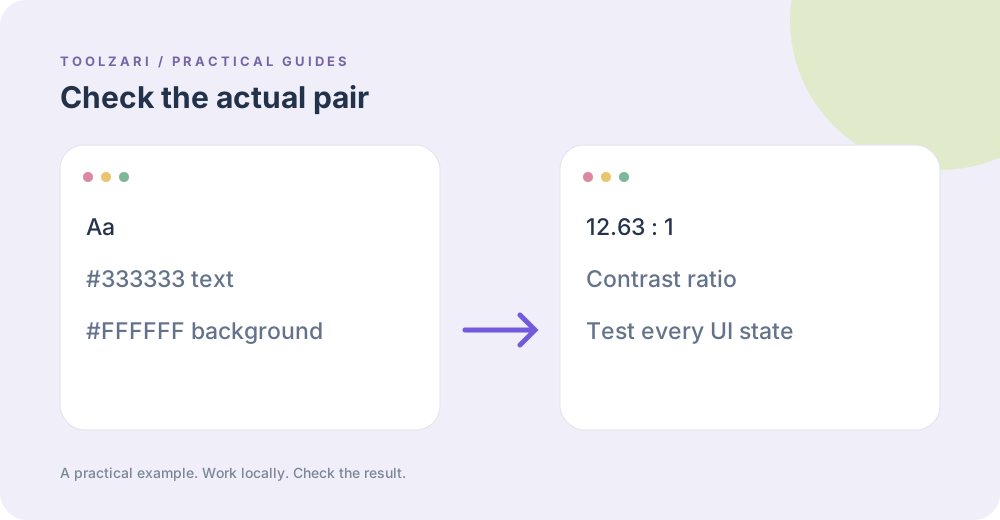
Paste a foreground color such as #333333 into the WCAG Color Contrast Checker and put #FFFFFF in the second color field. The tool calculates a ratio and reports thresholds. WCAG 2.2 minimum for normal text is 4.5:1, and large text uses 3:1 under that success criterion. Test each real state: normal, hover, focused, disabled, and text over gradients where the background changes.
Understand the limits
A passing ratio does not prove the page accessible. Font size, weight, anti-aliasing, image overlays, color blindness and whether information depends solely on color also affect usability. Automated checks cannot fully replace inspecting the real page with users and assistive technology.
Explore candidate colors
HEX to RGB can translate a color representation and Color Palette Generator can suggest nearby options. Changing a brand shade may affect other UI components, so test a candidate in context again after changing it.
Document the decision
Keep the exact HEX pair and test date with the design so a future update can be checked. The tool is a calculator; it does not certify WCAG conformance across your whole website.
Reference
WCAG 2.2 contrast criterion. The reference is optional and opens an external site.
Tools used in this guide
- WCAG Color Contrast Checker — Check AA/AAA accessibility contrast compliance for text and background colors.
- HEX to RGB — Convert hex color codes to RGB values.
- Color Palette Generator — Generate complementary, analogous, triadic, split-complementary, tetradic, and monochromatic palettes from any base color.