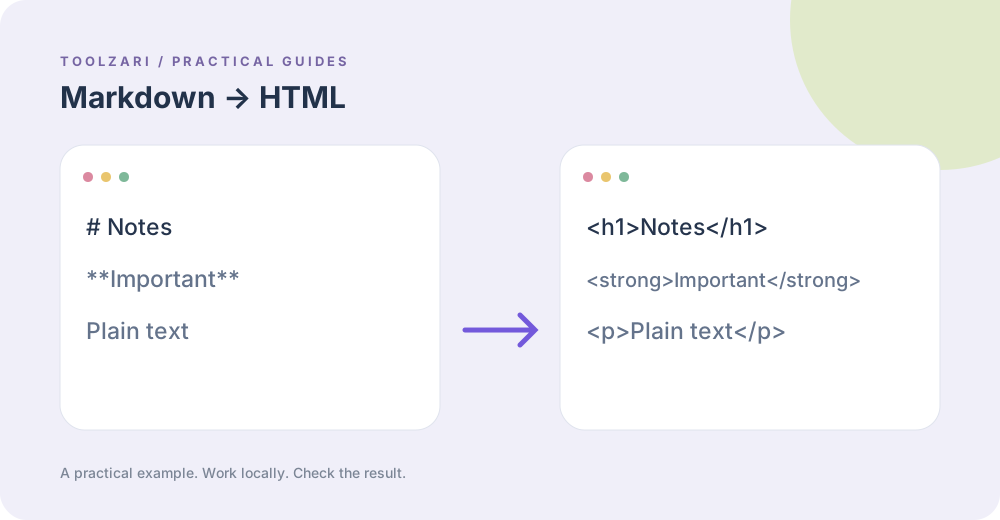
Write a small sample
Markdown to HTML in this local edition handles headings, paragraphs, bold, italics and inline code in a small subset. Try # Notes on one line and **Important** on the next. Inspect the generated tags; do not expect complete CommonMark support, tables, lists, links or embedded HTML handling identical to a full parser.
Understand escaped text
A converter may escape text before adding simple markup, and other applications may interpret the same Markdown differently. Test the output in the environment where it will be published. If you paste HTML from an unknown source, HTML to Text can help examine its readable text, but it does not act as an HTML security sanitizer.
Do not skip security review
Rendering untrusted HTML in a production page requires an appropriate sanitizer and content policy. The local converter only returns a string; it does not establish that all possible hostile markup and URLs are safe in every receiving application. Treat any copied result as untrusted until your target system validates or sanitizes it.
Keep formatting checks separate
HTML Entities Encoder / Decoder is for converting special characters, not encrypting text. Markdown Preview is for a quick view of the supported subset. Reopen the final destination and inspect headings, links, code and mobile layout after pasting.
A checkable expectation
A single line # Notes should become a level-one heading, while plain content becomes a paragraph. If the destination turns the tags back into visible angle brackets, you have pasted HTML into a text-only field rather than an HTML renderer.
Tools used in this guide
- Markdown to HTML — Convert Markdown to clean HTML instantly. Supports headings, bold, italic, links, code blocks, lists, and blockquotes with a live preview.
- HTML to Plain Text Converter — Strip HTML tags and convert HTML to clean readable plain text. Options to preserve line breaks, decode HTML entities, and collapse whitespace. Useful for copying web content or cleaning scraped data.
- HTML Entity Encoder / Decoder — Encode special HTML characters like &, <, >, ", ' into entities and decode them back to plain text instantly.
- Markdown Preview — Write Markdown and see the live rendered HTML preview side by side.